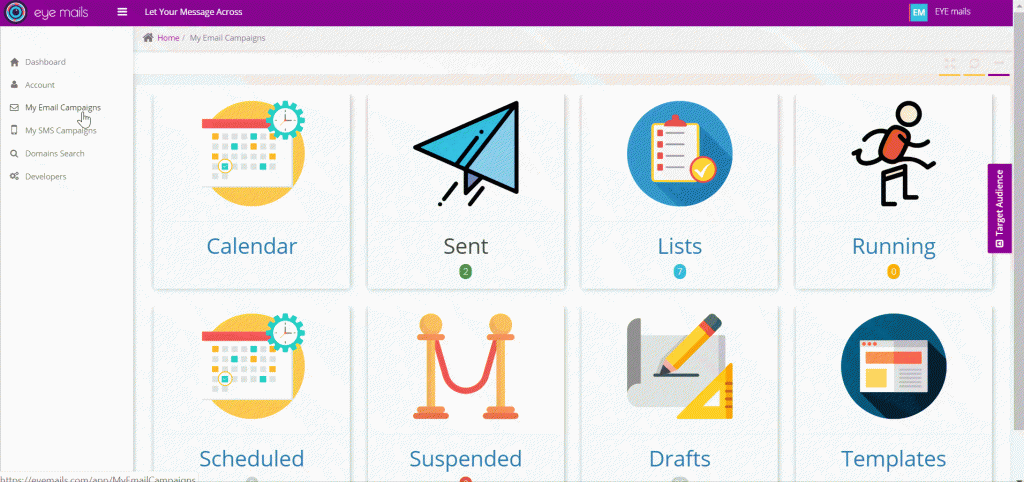
Create your email campaign using one of the below options (Dashboard or Calendar):
Dashboard
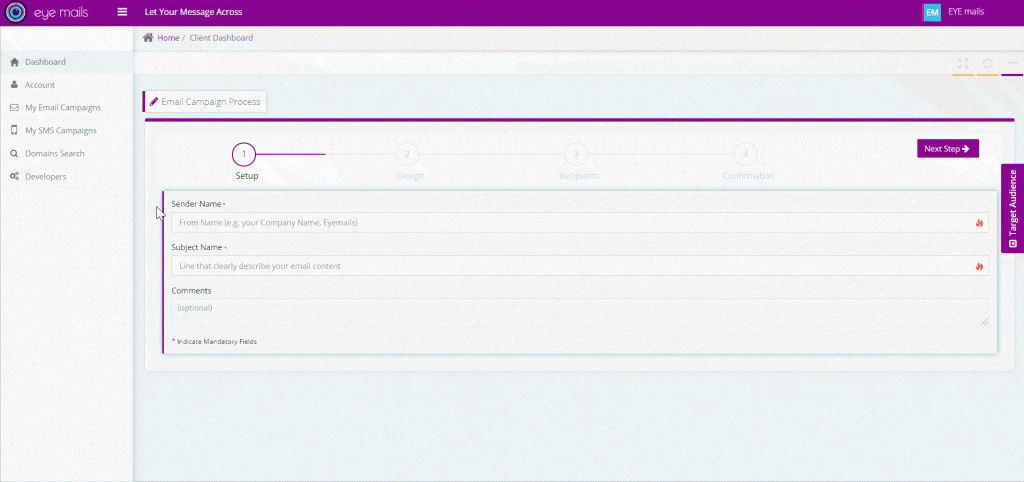
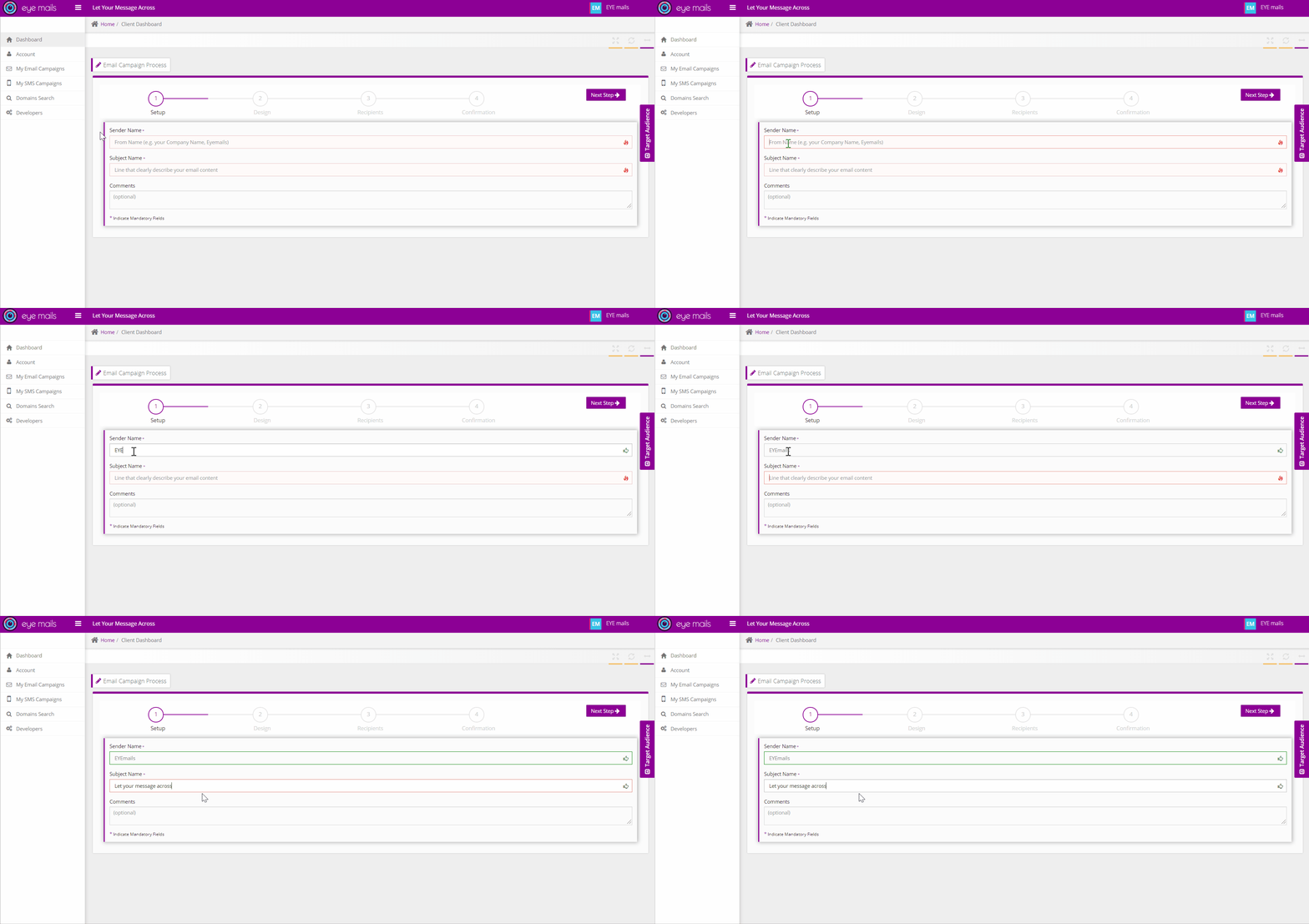
1- Setup
- Add sender (ex. EYEmails), subject, comments (optional) and sender email (for clients using imails services)
2- Design
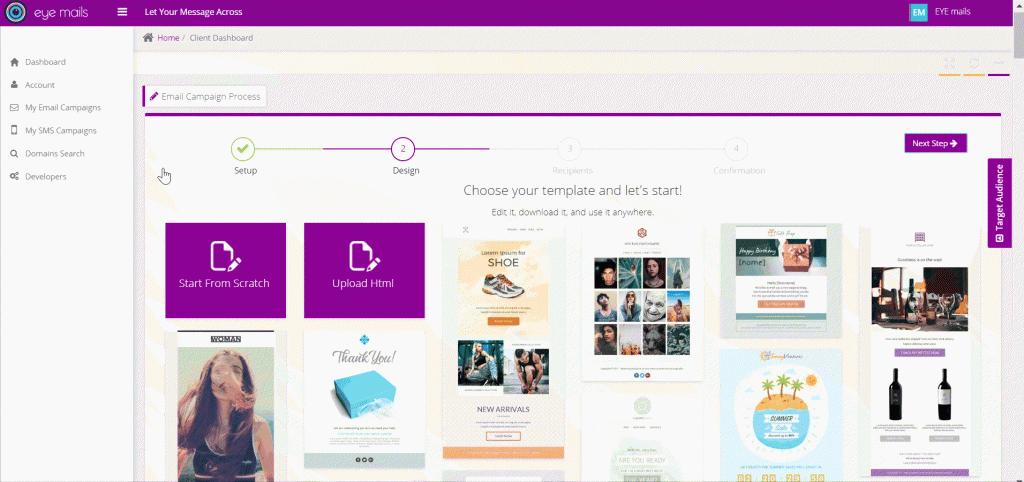
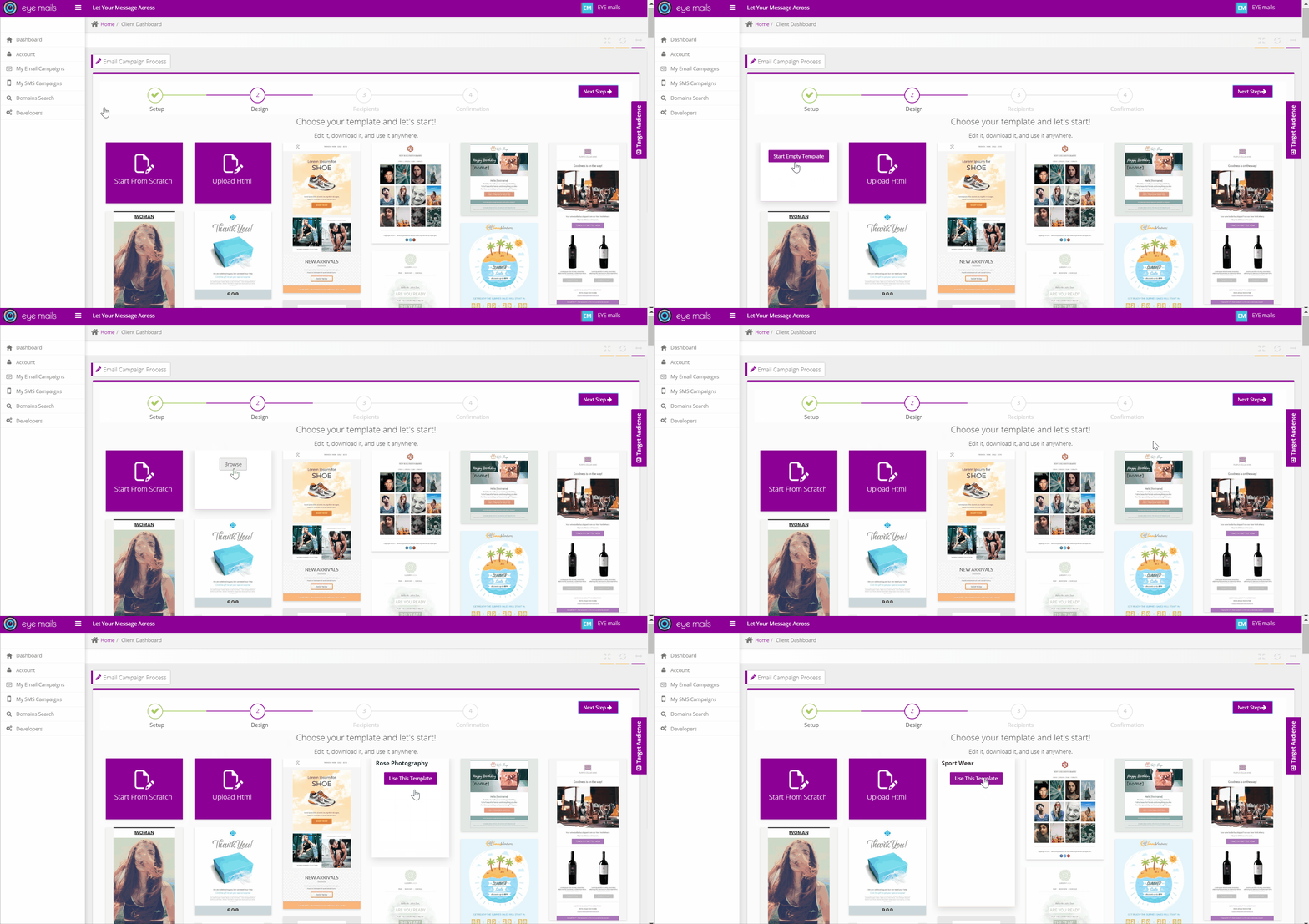
- Create and customize your template using one of the below options:
-
- Start from scratch
- Upload HTML (must be email compatible)
- Use a predefined template
3- Recipients
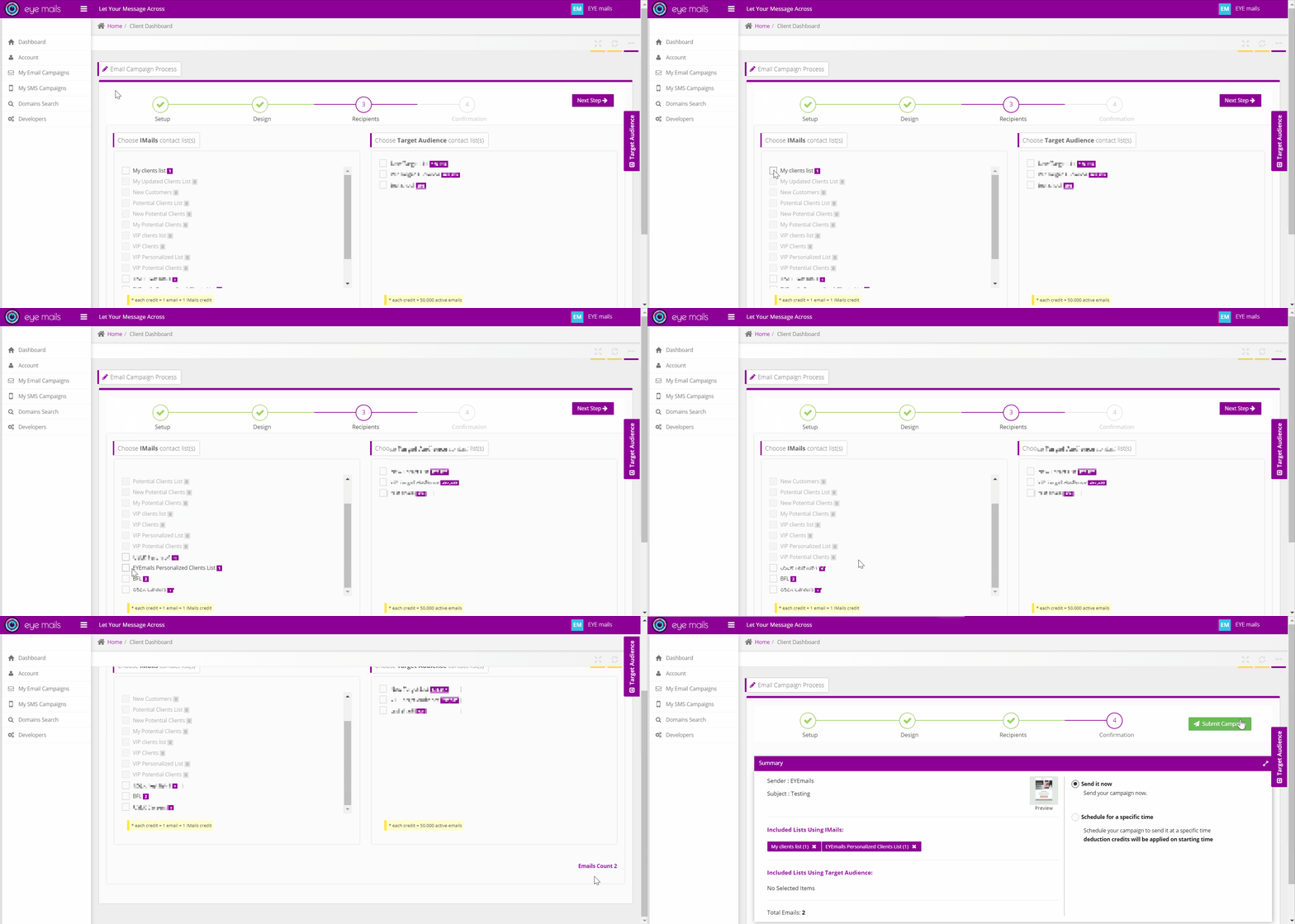
Select your receipts using one of the below options:
i-Mails contact list:
- i-mails contacts lists using client database click here to add your own list
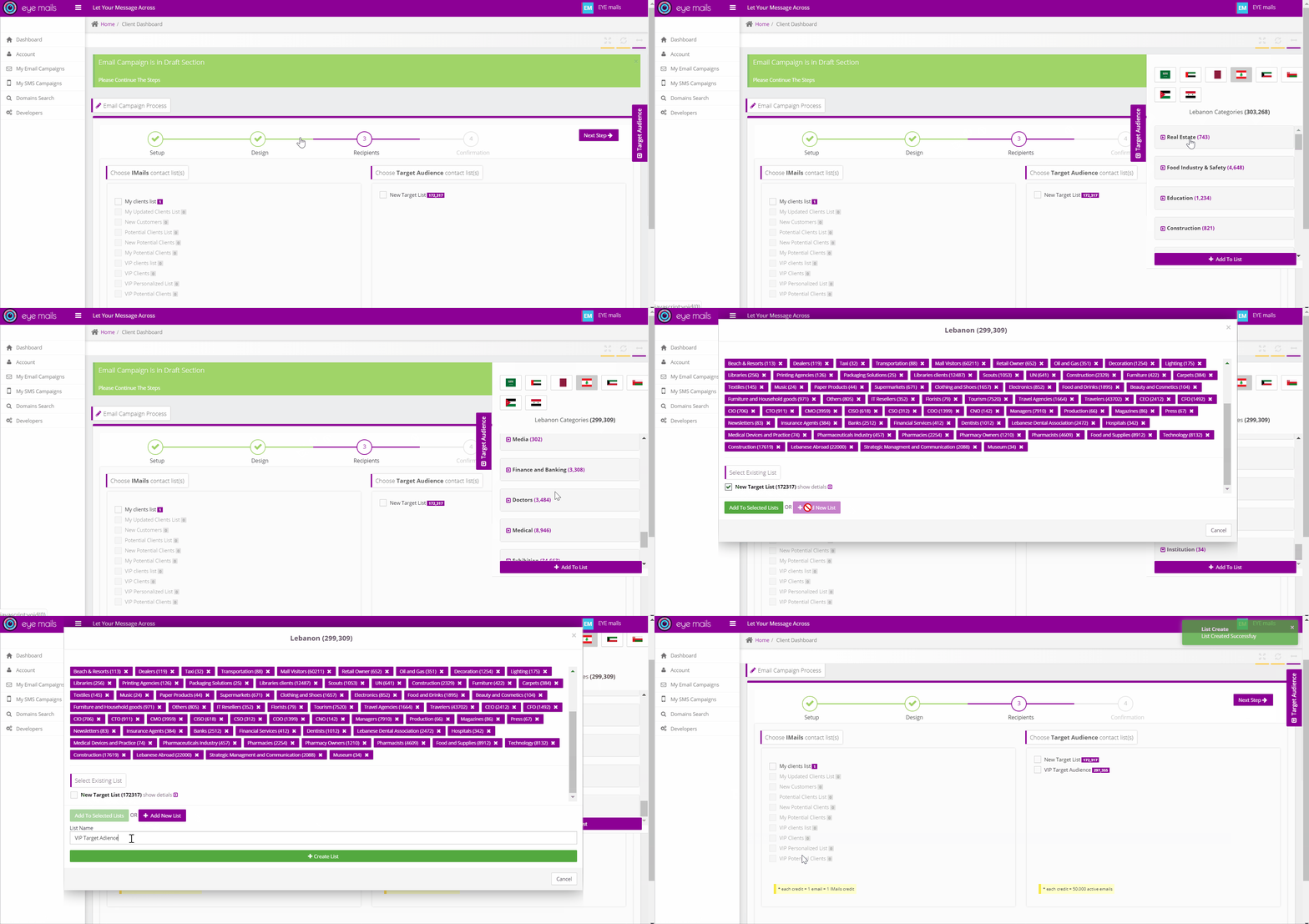
EYEmails Target Audience:
- Create your own potential Targeted Audiencelist (using EYEmails categorized database).
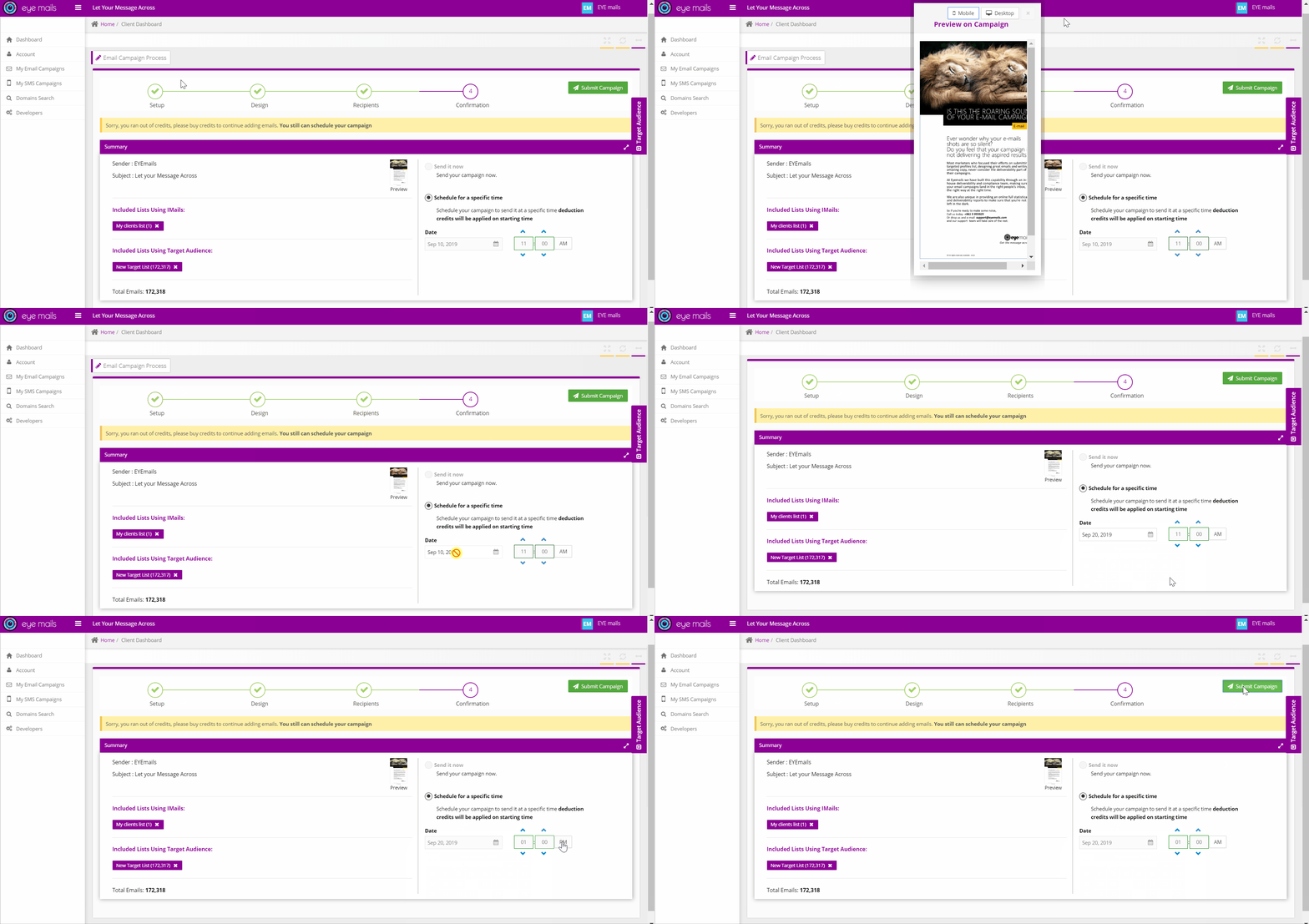
4- Confirmation
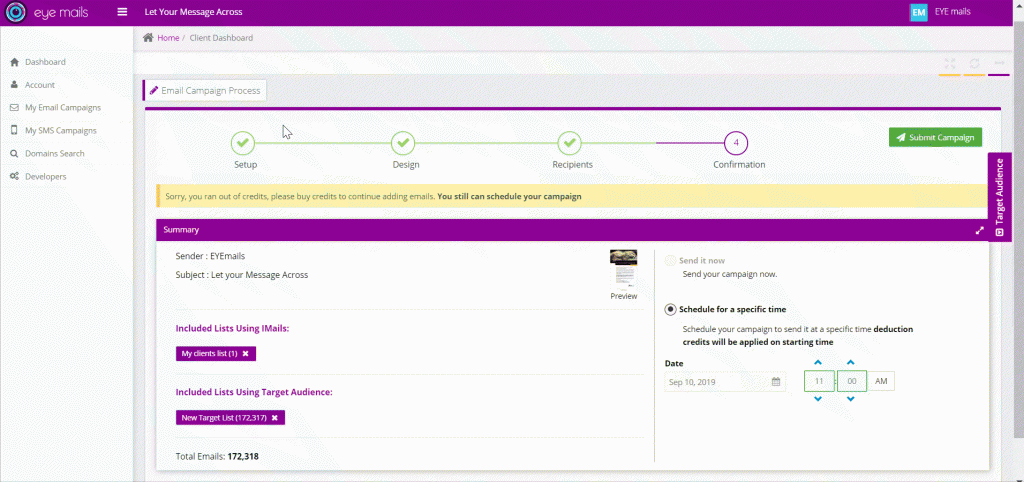
- Review, launch or schedule campaign (date and time) … and it’s ready to go !
Calendar
Create your email campaign using the top left-hand side form in the calendar page